 6:59
MedAppz: one patient, one day, one drop
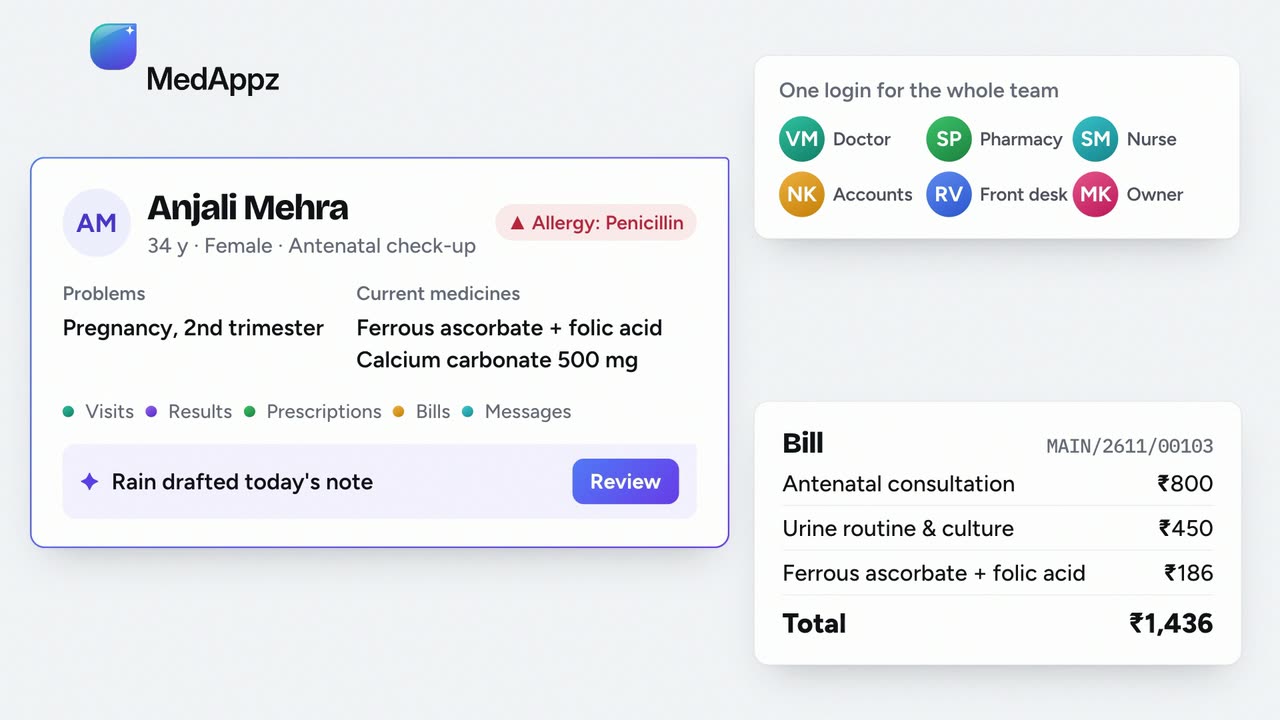
Follow Anjali through one day at a hospital on MedAppz: the front desk, her consult, the lab, the pharmacy, her bill, the wards and the owner's desk.
English, 6:59Three weeks before her hospital opens, Dr Meera sets up MedAppz at her dining table: no new password, a few questions, and only the apps she needs.
3:00EnglishCaptionsEleven at night, three weeks before her hospital opens. Dr Meera is at her dining table. In front of her is a pile of software brochures. Each one promises weeks of setup, and days of training. Her real fear isn't the price. It's paying for something her team never uses. So let's set up MedAppz with her, from the very first screen. Every new system starts with a password nobody remembers by Friday. Here, there isn't one. If your clinic uses Google, press Continue with Google, and you're in. Or use your phone. A six-digit code comes to your WhatsApp. Type it in, and you're signed in. New here? Create your practice. A name, your phone, and you're through the door. Nothing to forget, and nothing to reset. Most software is built for someone else's clinic. You end up bending your work to fit it. MedAppz starts by asking. What kind of place do you run? A single clinic, a hospital, a lab, a pharmacy, a dental practice. Thirty-five kinds of healthcare business in all. Dr Meera picks a hospital. Then her specialties. The search takes plain words, like skin, IVF, dialysis or physio. Then how big it is. Just you, a team, or beds and wards. And what she most wants out of this. Fewer queues, faster billing, better notes. Every step has Back, and Skip this. She moves at her own pace. It asks about your place first. Everything after that is shaped by your answers. The other fear is a screen full of menus that nobody in your clinic needs. So MedAppz recommends, in three short groups. The essentials, the ones recommended for you, and the nice-to-haves. Not sure why something's on the list? Press Show me why. Every recommendation explains itself. Nothing is forced on you. Keep what you need, skip what you don't, and add more later. Each group is short. Dr Meera reads the whole list in a minute, and knows exactly what she's getting. Then she installs. And she can watch it happen. Each app is set up, one by one, and placed where it belongs in the sidebar. A whole pack counts through. Installing three of twelve. Then all twelve in, tidying up. Install a single app, and it tells you exactly where it went. Under Clinic, say. And everyone who uses that app finds it in the same place. A moment later, her hospital is ready. Hospitals grow. A new lab, a new wing. Nothing here has to be thrown out and replaced. Whatever she needs next is in the App Store. Six hundred and sixteen apps, all shaped like the same drop. Some carry a small badge that says Rain inside. That's where Rain, the AI in MedAppz, can help directly. Start with what you need today. Add the rest when you grow. No installation discs. No weeks of training. Getting started takes minutes. On opening day, Rahul opens the front desk, and the day's board is waiting for him. And Dr Meera finally drinks her tea while it's hot. Try it as your role at medappz.com/demo.
6:59Follow Anjali through one day at a hospital on MedAppz: the front desk, her consult, the lab, the pharmacy, her bill, the wards and the owner's desk.
English, 6:59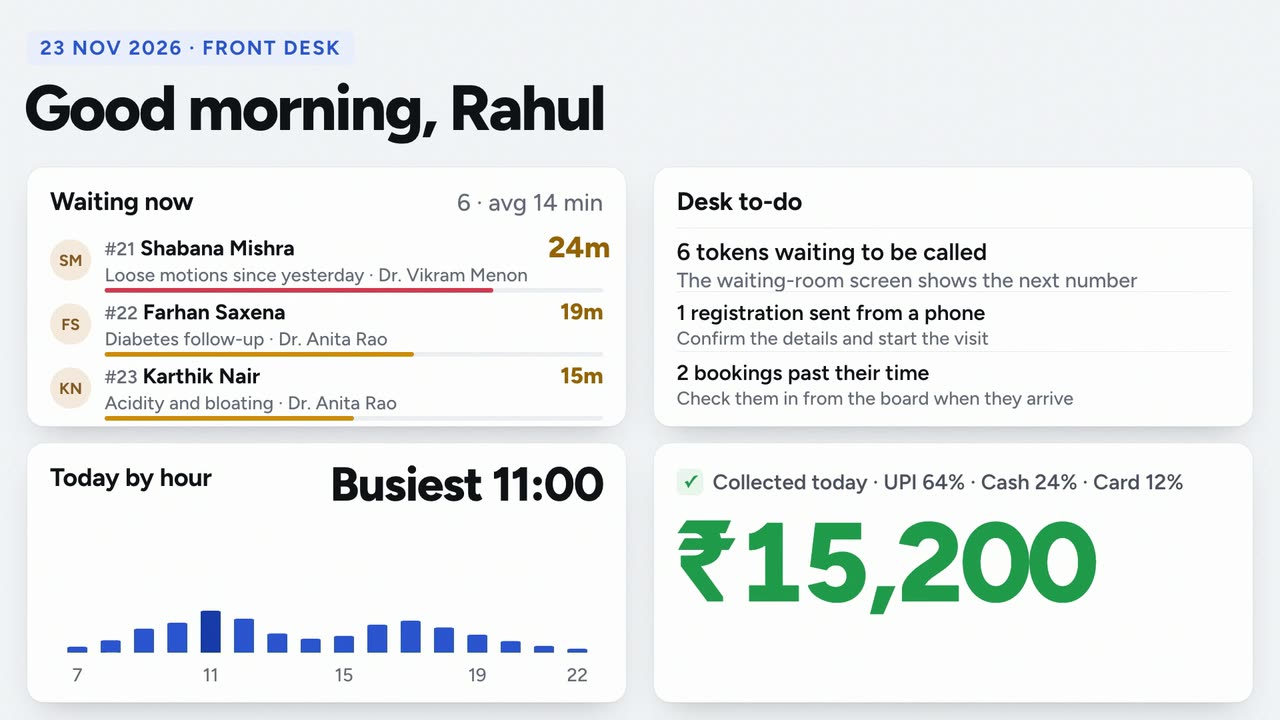 3:00
Rahul runs the front desk at rush hour: the whole day on one board, Anjali checked in from her WhatsApp booking, and a token on the waiting-room screen.
English, 3:00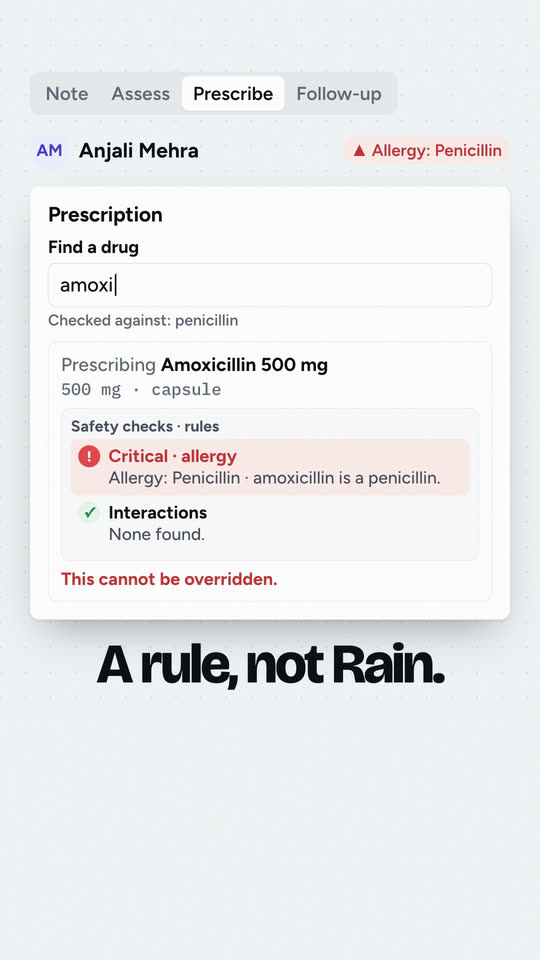 0:32
Dr Vikram listens to Anjali while Rain writes the transcript and drafts the note and prescription. A rule, not Rain, stops the penicillin.
English, 0:32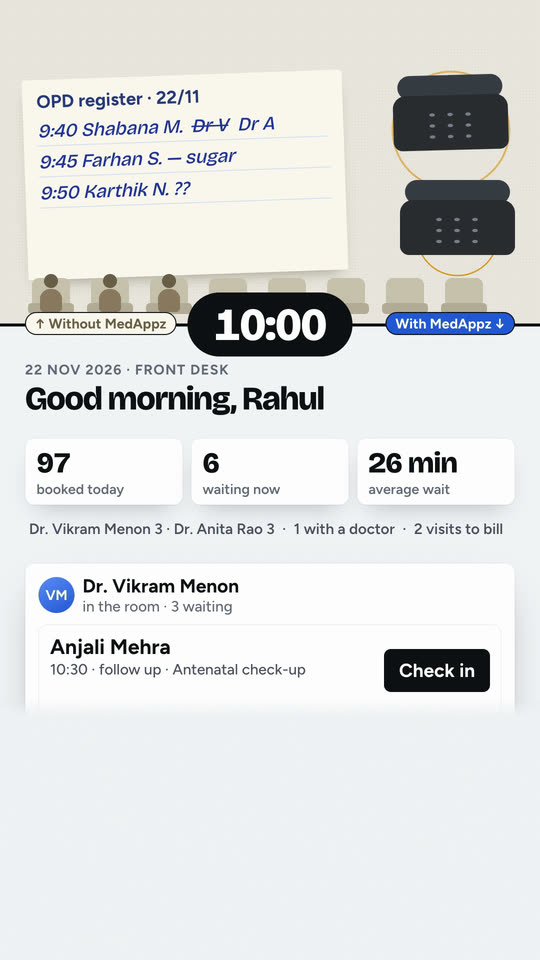 0:27
Ten in the morning: Anjali booked on WhatsApp last night, checks in with one press, and the waiting-room screen calls her. Hinglish captions.
English, 0:27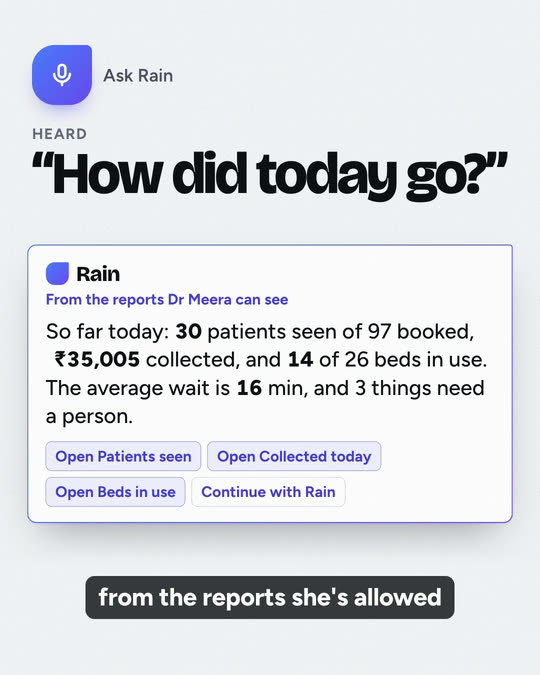 0:26
Dr Meera asks Rain how her hospital's day is going, then sees what Rain did today and who confirmed it. Anything Rain did can be undone for ten minutes.
English, 0:26The demo is the product in the video, with made-up patients. Pick your kind of care and a role; there is no form to fill.